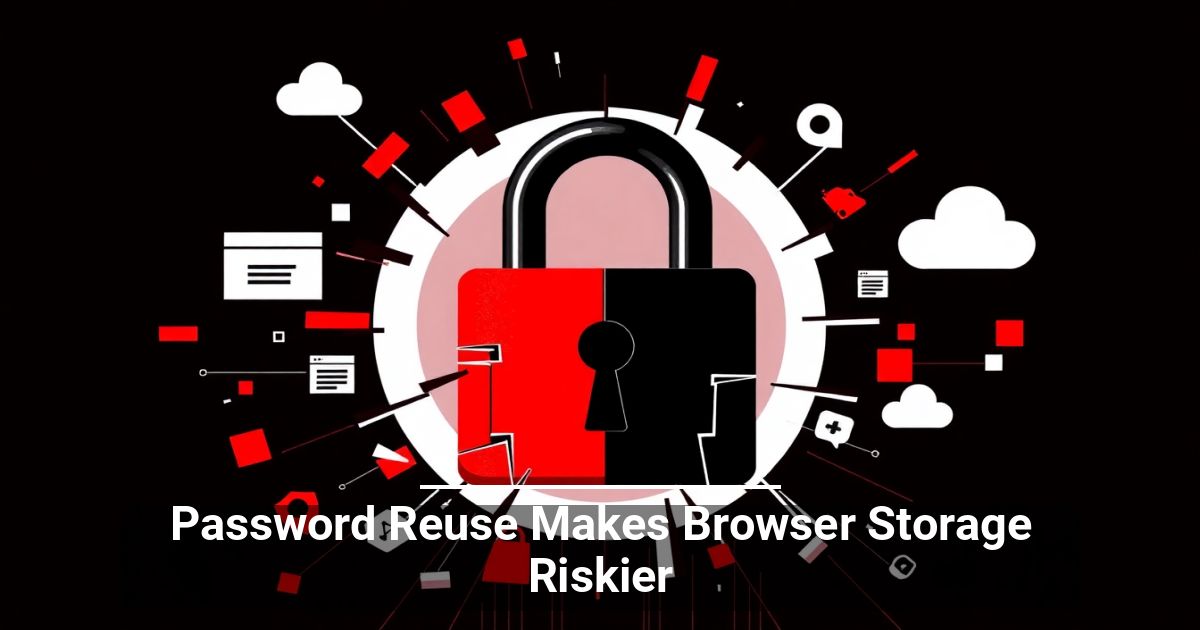
 What's the cost of your team reusing passwords? Companies that apply the same credentials across accounts and save them via the browser open the door to security vulnerabilities. Learn more about how this happens here.
The Prevalence of Login-Dependent Platforms in Modern Business
Today's digital landscape is undeniably login-driven. From project management tools to customer relationship management (CRM) software, nearly every business-critical platform demands user authentication. It makes sense, as these credentials help secure sensitive data and personal information.
With the sheer number of systems employees interact with daily, it's no surprise that many are looking for ways to streamline password management. According to a NordPass poll, around 40% to 50% of 7,861 users prefer to save every code in their browser's built-in storage for convenience.
Are Your Credentials Truly Safe?
Chrome, Edge, Safari, and Firefox are fairly reputable platforms, so why not take advantage of their free password-saving features? Unfortunately, this practice carries the following risks:
- Malware and infostealers: Browsers store passwords in predictable locations. Many types of malicious software can extract every saved credential within seconds, without users ever knowing.
- Zero IT oversight: Built-in managers lack audit trails, secure credential sharing, the ability to enforce password policies, and other essential enterprise features.
- Compromised devices: Anyone with physical access to an unlocked, logged-in computer can view all stored passwords, or a hacker can access them remotely via hijacked browser sessions.
- Cloud exploits: Syncing passwords across devices centralizes data. If your browser account (e.g., Google or iCloud) gets hacked, an attacker gains access to all your stored credentials at once.
- Lack of phishing defense: Native browser managers cannot actively flag spoofed login pages in real time, making users highly susceptible to generative AI-fueled phishing.
Strengthen Your Company's Password Security
The risk of a data breach increases if your team has rampant password reuse. Consider the following proactive strategies.
Use a Dedicated Password Manager
You don't have to do away with convenience entirely. Third-party password managers not only generate strong, unique passwords but also store them securely. Unlike browser-based tools, they offer encryption, cross-platform access, and other advanced protections.
Educate Your Team
Technology can only go so far without human vigilance. Regular training on password best practices and common threats makes a massive difference. Simulate attacks to test awareness, and keep everyone informed about evolving security risks.
Enable Multi-Factor Authentication (MFA)
MFA creates an extra layer of protection with minimal effort. Even when hackers manage to steal credentials, they still need to bypass another form of verification to gain access.
Audit Passwords Regularly
When was the last time your company conducted a password checkup? Regular audits can identify weak, reused, or compromised credentials, while password monitoring tools flag vulnerabilities instantly.
Avoid Gambling With Stored Credentials
Password reuse and reliance on weak browser password managers are risky shortcuts that could cost your business dearly. Every reused piece of code amplifies the damage a single breach can cause.
Treat your credentials like the keys to the castle. Take the time to strengthen them, store them securely, and update your practices regularly.